
https://siderite.dev/blog/new-chrome-extension-lichess-tools/
Hiding chat and regaining space with LiChess Tools
... a feature miniature
Intro
Recently Lichess removed the green toggle of the game chat, assuming that just going to the Notes tab will be enough to hide the chat, in case you don't want it. It's a reasonable assumption, but if you still want an alternative, here is how you do it with LiChess Tools.
LiChess Tools is a browser extension for Chromium and Firefox browsers adding extra features and fixes to Lichess.
How to
First you have to enable the option from the LiChess Tools preferences:
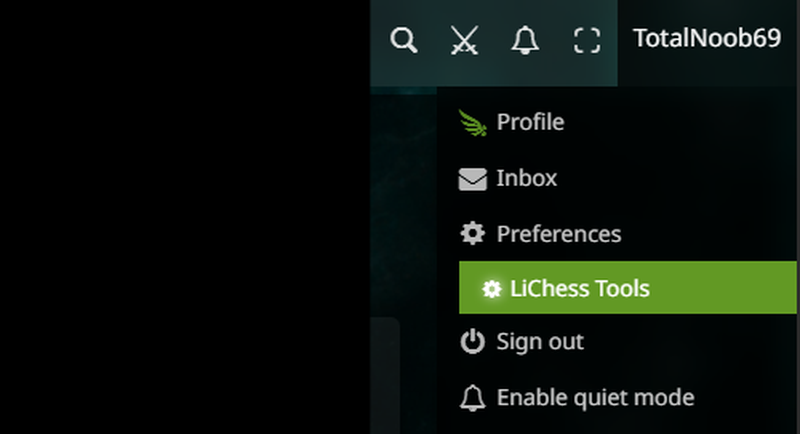
Just type "hide chat" in the preference filter and select the "Option to hide chat" in the "Play layout" preference:

So you are in a game and someone is not being nice in the chat. Just click on the icon of the game time control - in the image, the turtle:
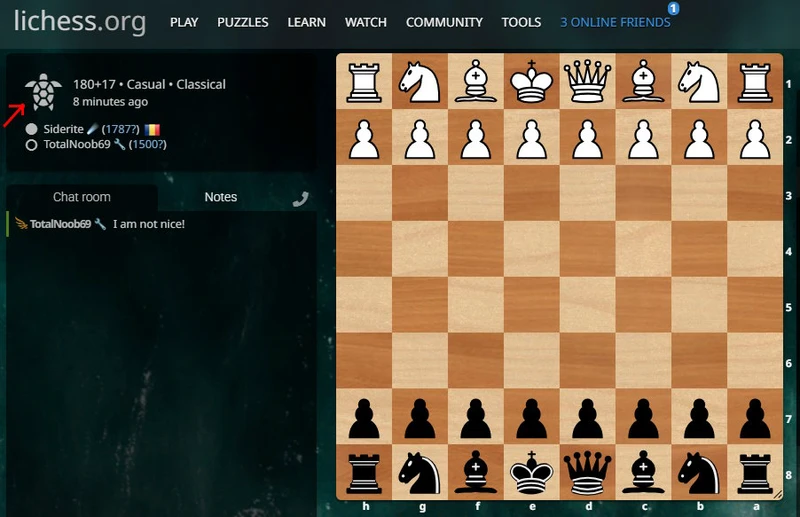
Not only do you hide the chat, but you also regain the space:
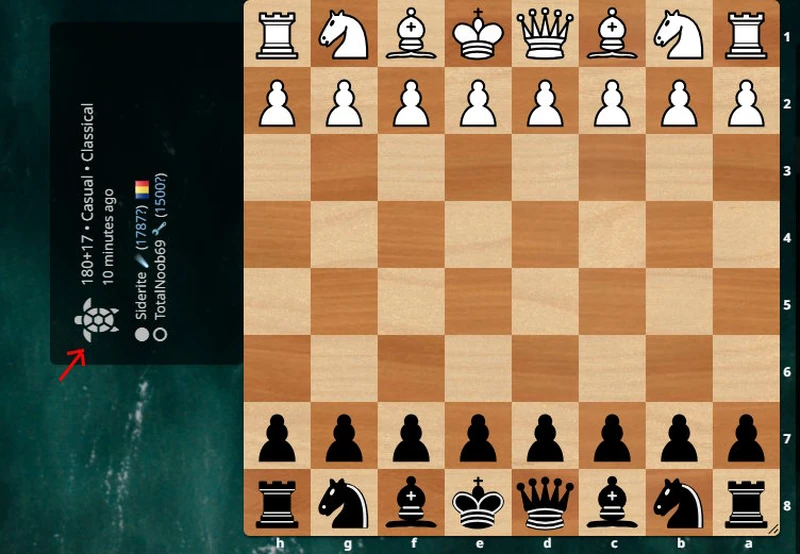
You can show the chat again by clicking on the icon again.
But there are situations where you just want to have the space. Maybe you want a large board and you are not likely to use the chat or the notes. Yet, what if your opponent sends a message? It would be rude to not reply.
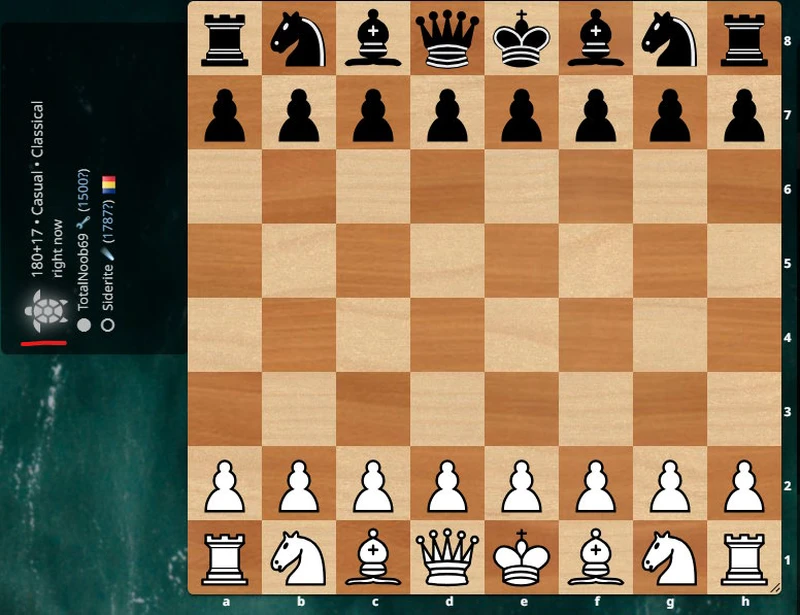
Fret not. If a new message arrives since you've hidden the chat, the icon will glow slightly:
It's that simple. Hope it helps!
You may also like
 TotalNoob69
An unexpected insight on d-pawn pushes/openings
TL;DR; Pushed d-pawns indirectly defend the second rank f square. FM MathiCasa
Chess Football: A Fun and Creative Variant
Where chess pieces become "players" and the traditional chessboard turns into a soccer field TotalNoob69
The world didn't end
... yet TotalNoob69
Finding the sweet spot move!
... a new way of filtering candidate moves CM HGabor